KTV Recording Technology
01. Overview
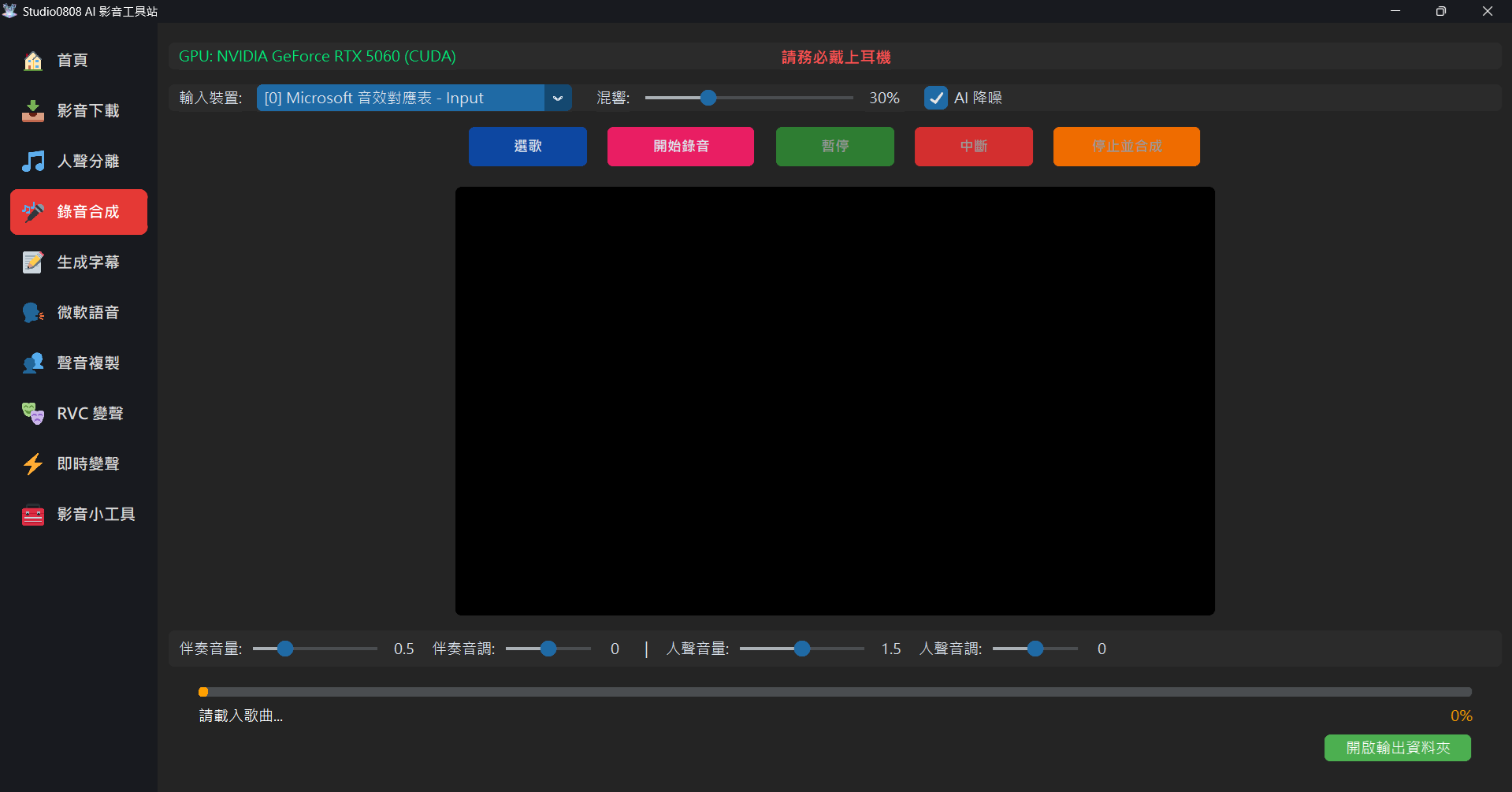
KTV Studio is an all-in-one workstation for cover artists, allowing professional-grade vocal and backing track synthesis.
02. Core Features
🎤 Smart Audio Input
The system automatically prioritizes low-latency drivers (WASAPI / WDM-KS) and intelligently selects the best physical microphone.
📋 Common Devices Guide
| Device | Status | Description |
|---|---|---|
Microsoft Sound Mapper |
✅ Default | Points to your current Windows default microphone. |
Microphone (Realtek / USB Audio) |
⭐ Best | Direct physical mic. Best results for singing and RVC. |
Stereo Mix |
⚠️ Internal | Records system sounds. Not suitable for vocal recording due to echo. |
Headset (Hands-Free) |
❌ Disable | Bluetooth call mode. Low bandwidth; results in poor audio quality. |
03. Workflow
- Setup: Select mic and wear headphones.
- Load: Click "📂 Select Song" to load backing track.
- Record: Click "🔴 Start Recording" and sing.
- Finish: Click "⏹️ Stop & Synthesis" for auto-processing.